Three ways to reply
Explore text-only sessions, local voice generation, and two on-device avatar engines.
Published by TWIN AI
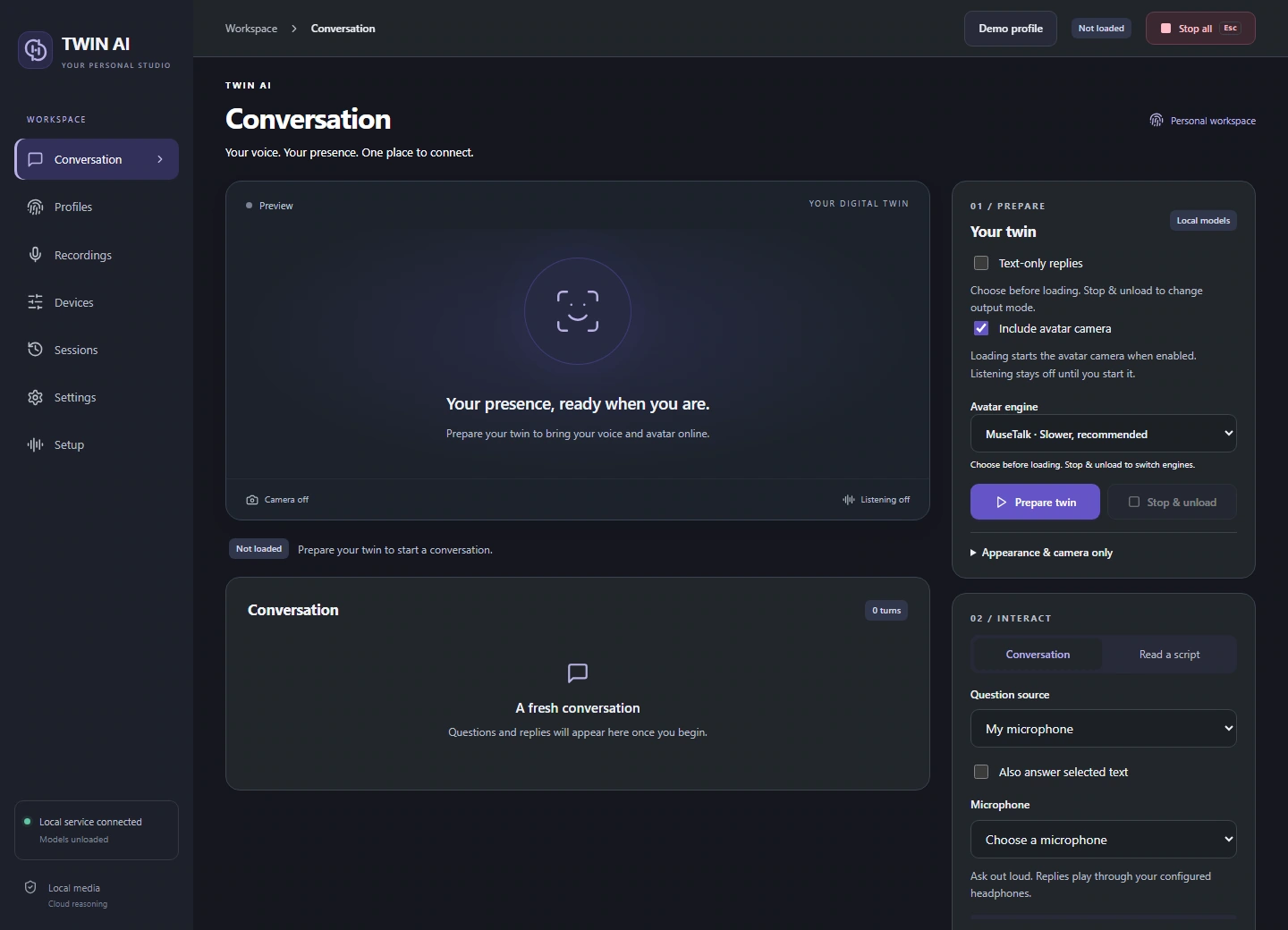
Choose an output before preparing your twin. Each mode uses the same profile and conversation, with different media requirements.
| Mode | What you receive |
|---|---|
| Text | A written reply in the conversation panel or widget |
| Voice | Checked, locally generated speech |
| Avatar | Speech and synchronized video for a virtual camera |
Choose the local renderer
MuseTalk is the recommended renderer. W2L is a faster, experimental alternative. Setup can install either renderer or both. Select the engine before loading the avatar.
Control a live session
The compact widget displays the current question, reply, timing, and listening controls. Select a question in a supported Windows app to skip audio transcription, or combine selection with a microphone or headset input. Voice takes priority while someone is speaking.