Inside the studio.
Follow a first session from setup and recording to a live reply, or jump straight to the workspace you need.
Install the parts you’ll use.
Start with the Windows release and add the components your chosen output needs.
Connect the reply service
Set NVIDIA_API_KEY in the local environment, then restart the app. Questions and relevant profile text go to NVIDIA for replies.
Choose local models
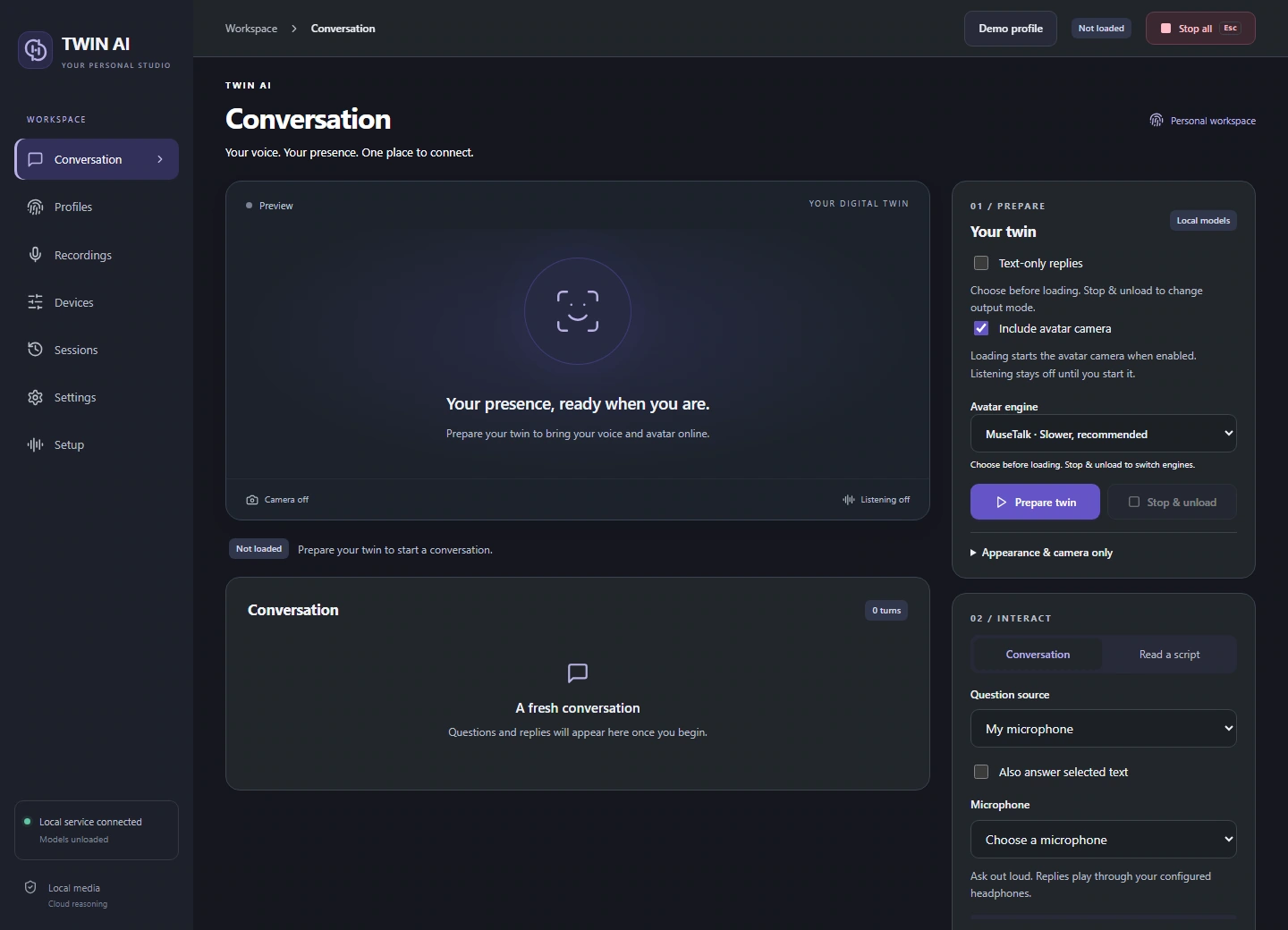
Install transcription for spoken questions and the voice model for speech. For video, choose MuseTalk, experimental W2L, or install both and select one before preparing a session.
Finish driver setup
Use the vendor installers for the virtual camera and audio cable. Restart Windows if prompted, then reopen the studio and your call app.
One studio. Three ways to reply.
Give your words a voice.
Record and review voice references, choose a supported speech language, and hear replies through your headset or virtual microphone.