Your second
self.
Build a personal AI twin from your project notes, voice recordings, and avatar. TWIN AI turns a question into text, speech, or a virtual camera reply.
Find your
frequency.
Hear a written reply take shape as speech. The desktop studio lets you record, compare, and select your own voice references.

Face to
face.
Turn a spoken reply into an on-camera expression. Meet the illustrated stand-in from our launch film.
Inside the
studio.
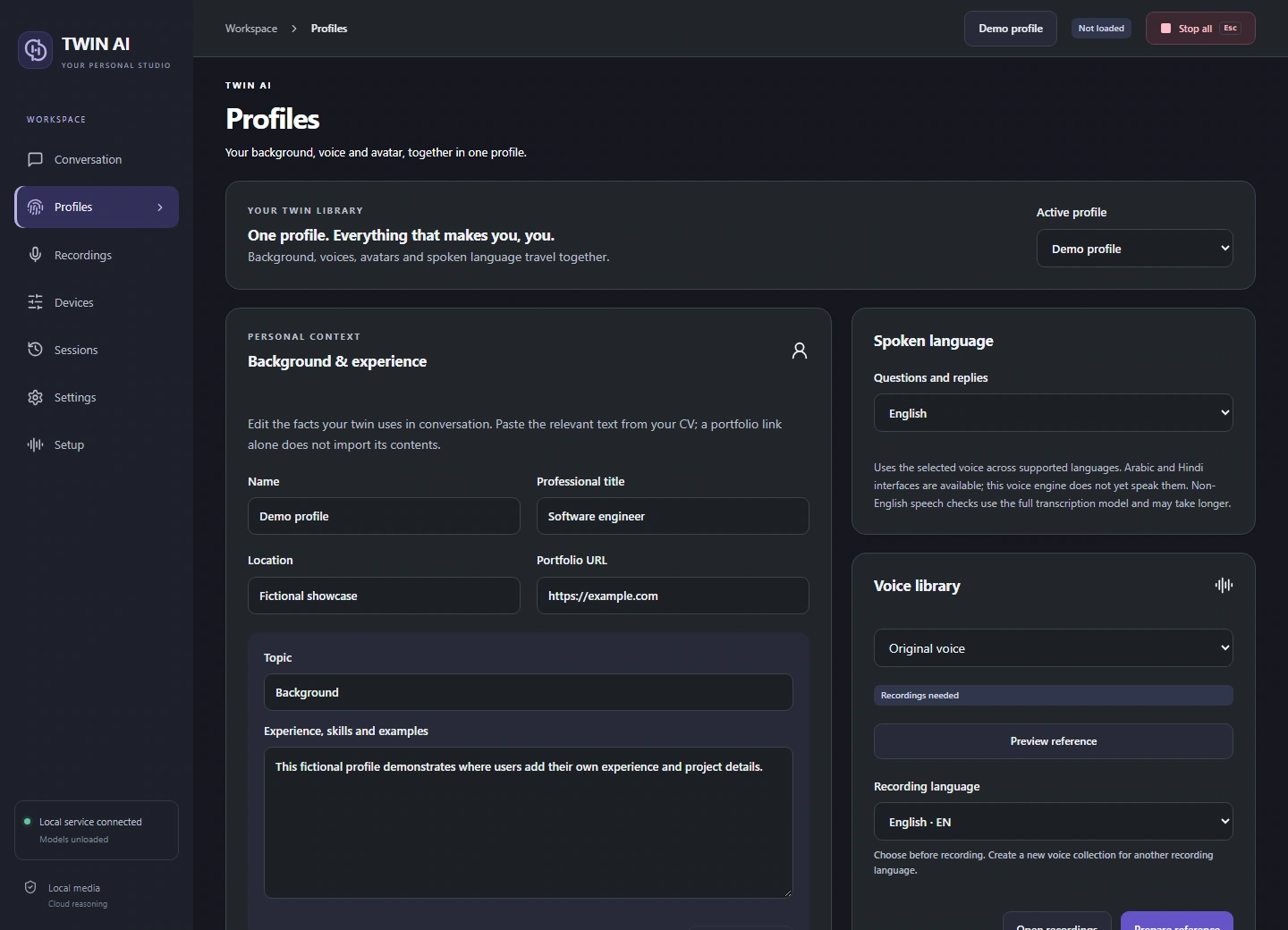
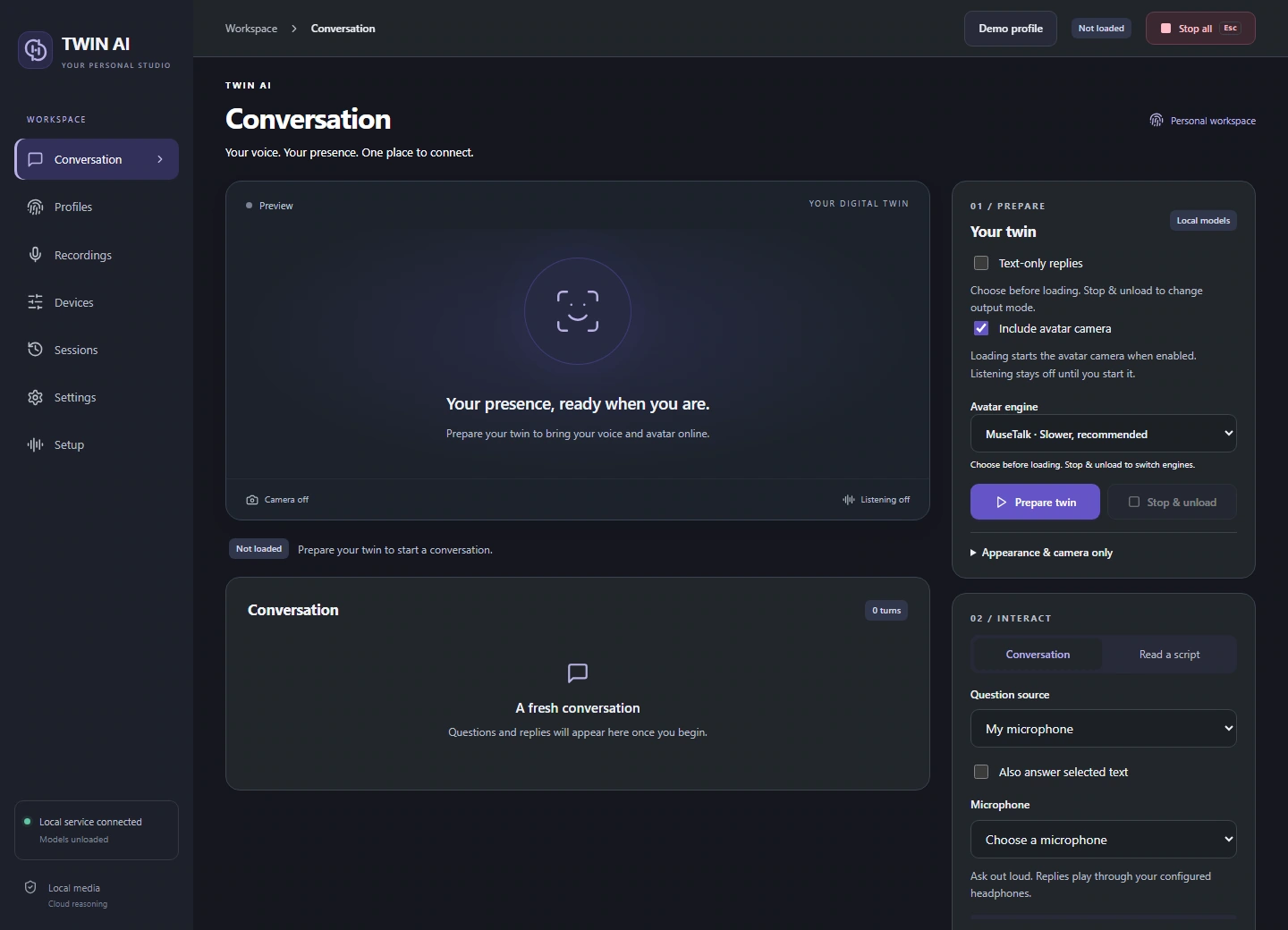
Choose a profile, pick how to listen, and send replies as text, speech, or synchronized video. These are the actual desktop views.
Meet TWIN AI.
Launch film · 1 minuteFollow
a reply.
Ask a question
“What if both orders arrive together?”
One studio. Three ways to reply.
Give your words a voice.
Record and review voice references, choose a supported speech language, and hear replies through your headset or virtual microphone.
How TWIN AI works
What is TWIN AI?
TWIN AI is an open-source personal AI twin for Windows. Its desktop studio uses your CV, portfolio and project notes to answer questions in writing, in a voice based on your recordings, or through a synchronized virtual camera.
Build a profile from your workWhich parts run on my PC?
Speech transcription, voice synthesis and avatar rendering run locally with the installed models. The app sends the question and relevant profile text to NVIDIA for the written reply, so generating answers requires an internet connection and an NVIDIA API key.
Check Windows and hardware requirementsCan I start without recording my voice or face?
Yes. Choose text-only replies and use selected text as the question source. Highlight a question in a supported Windows app to get a written reply using your profile. This setup skips transcription, voice synthesis and the camera.
Set up selected-text repliesHow do voice and video reach a call?
The Windows app can listen to questions on your headset and send spoken replies through VB-CABLE. For an avatar session, select Unity Video Capture as the camera in the receiving app. Choose MuseTalk or the experimental W2L engine before loading the twin.
Connect your headset and virtual cameraLatest updates.
Support TWIN AI
Help fund development and testing of the open-source studio.