
DESKTOP TOUR
Text and selection
Follow a first session from setup and recording to a live reply, or jump straight to the workspace you need.
07 / 11 Text and selection
Answer a highlighted question.
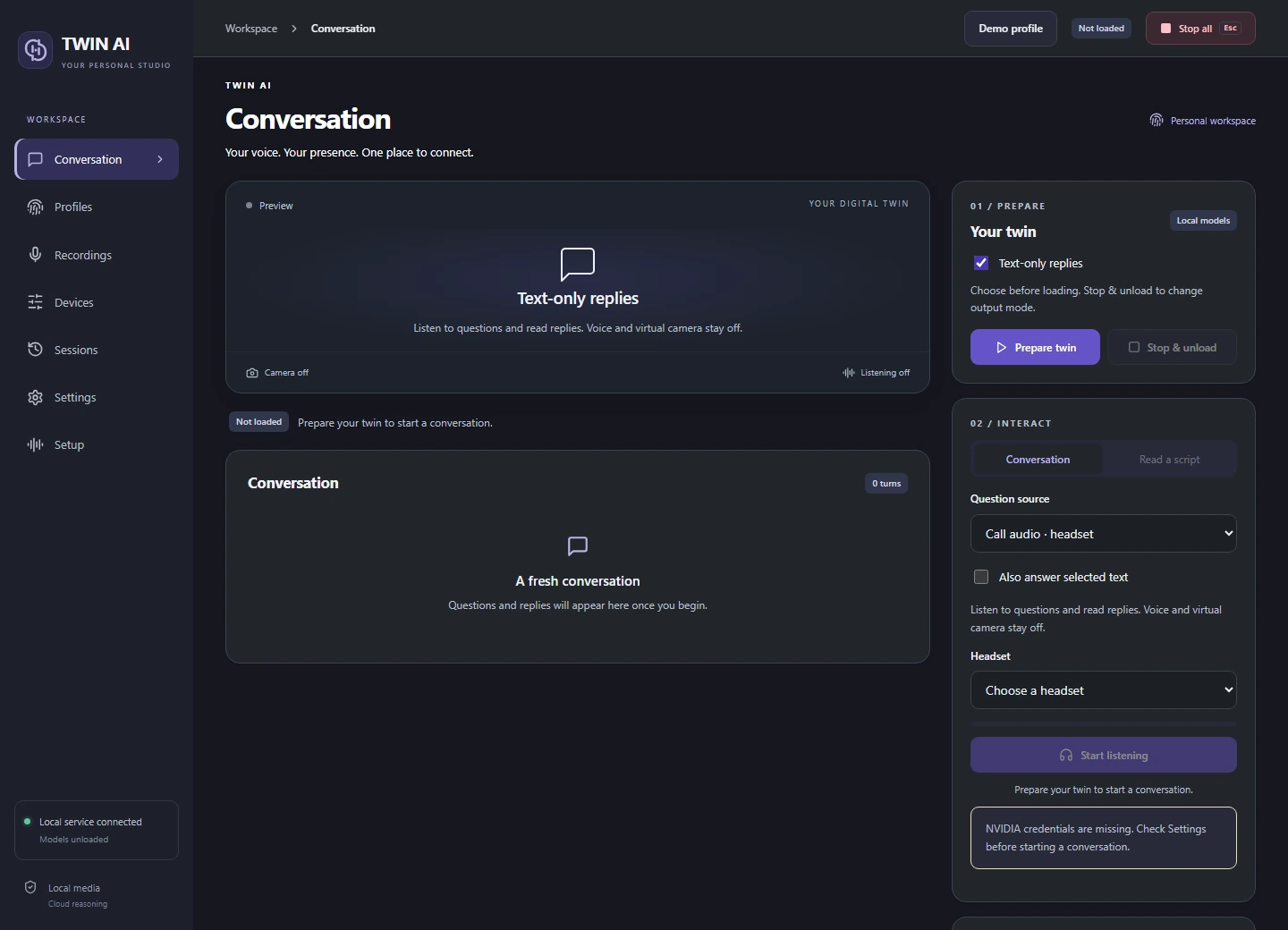
Selected text bypasses audio capture. Pair it with text-only replies for a session that needs neither a voice model nor a camera.
Prepare text mode
Choose Text-only replies and Selected text before preparation to skip the transcription model too.
Select the question
Start selected text, then highlight up to 1,500 characters in a supported Windows app. Release the selection to submit it.
Combine with listening
With microphone or headset input, enable Also answer selected text. Speech takes priority, and selections made during speech or an answer are discarded.
THE STUDIO
One studio. Three ways to reply.
Give your words a voice.
Record and review voice references, choose a supported speech language, and hear replies through your headset or virtual microphone.
VOICE STUDYDrag to rotate