
Profiles
Follow a first session from setup and recording to a live reply, or jump straight to the workspace you need.
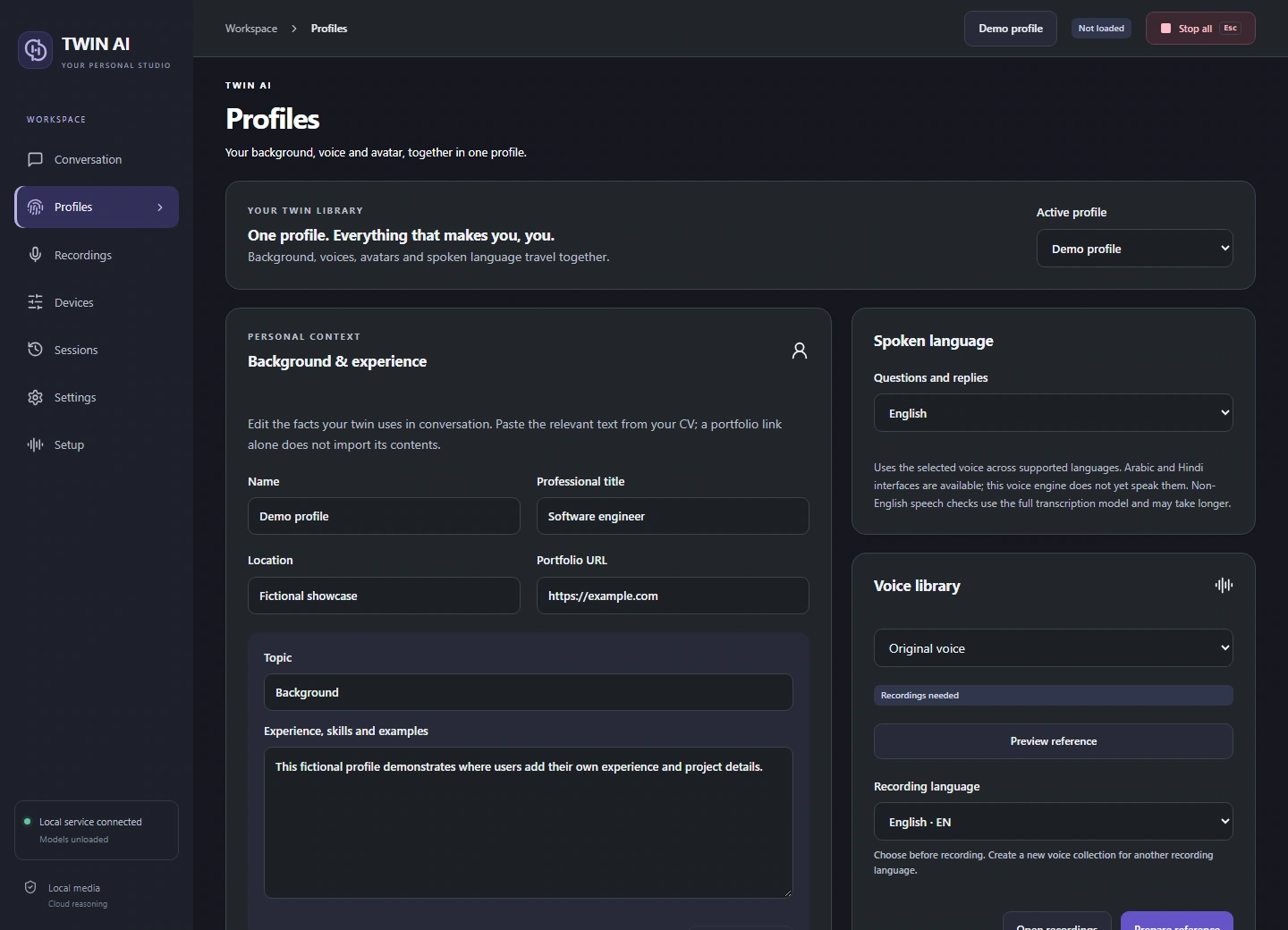
Give your twin a background.
Each profile keeps its own experience, project notes, languages, voice collections, and avatar collections.
Write the background
Create a profile, add your role and CV details, and save. Add knowledge cards with the decisions, trade-offs, and outcomes behind your projects.
Choose references and language
Select a voice and an avatar collection. The supported conversation language sets recognition and reply language together.
Manage collections
Create a separate voice or avatar to try new recordings. Preview its prepared reference, or use Reset recordings on the selected collection when you intend to start it over.
Switch or move a profile
Stop active work before switching. Export a profile to transfer it, then import it on the other PC and check devices and prepared media.
One studio. Three ways to reply.
Give your words a voice.
Record and review voice references, choose a supported speech language, and hear replies through your headset or virtual microphone.