Devices
Follow a first session from setup and recording to a live reply, or jump straight to the workspace you need.
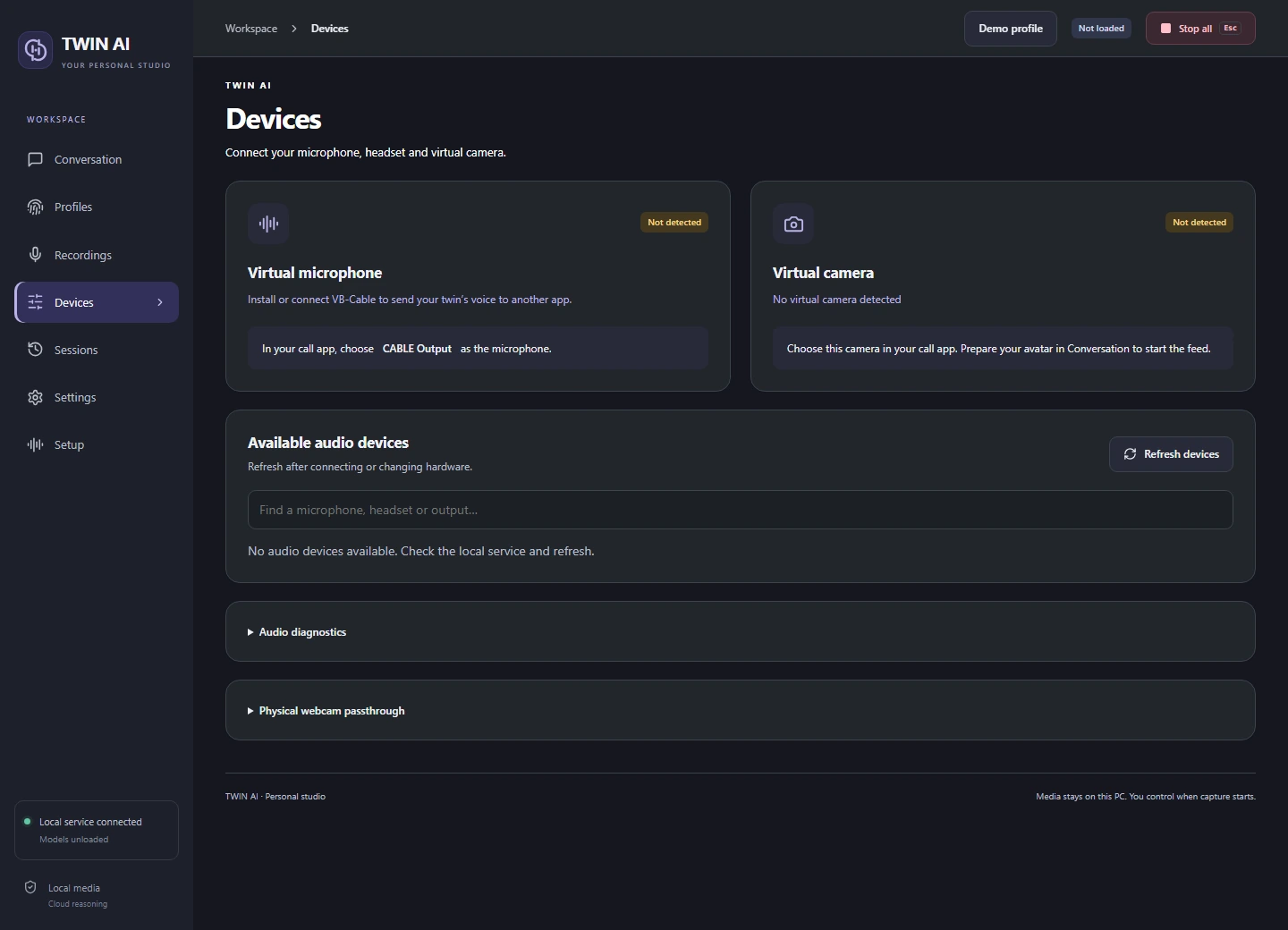
Connect both ends of the call.
Use the Devices workspace to identify the physical inputs and virtual outputs before starting a live session.
Pick the question source
Use your microphone for a direct conversation or your headset playback device to hear questions from a call. Headset capture includes other sound playing on that device.
Route speech
The studio sends replies to CABLE Input. Choose CABLE Output as the microphone in the receiving app. Enable headset monitoring if you also want to hear the reply.
Check a device
Refresh or search the device list if a saved device is unavailable. Open Audio diagnostics to test the chosen input or monitor output before a session.
Route video
Choose Unity Video Capture in the receiving app. Prepare an avatar-enabled session in TWIN AI to supply idle and speaking frames.
One studio. Three ways to reply.
Give your words a voice.
Record and review voice references, choose a supported speech language, and hear replies through your headset or virtual microphone.