
DESKTOP TOUR
Voice recordings
Follow a first session from setup and recording to a live reply, or jump straight to the workspace you need.
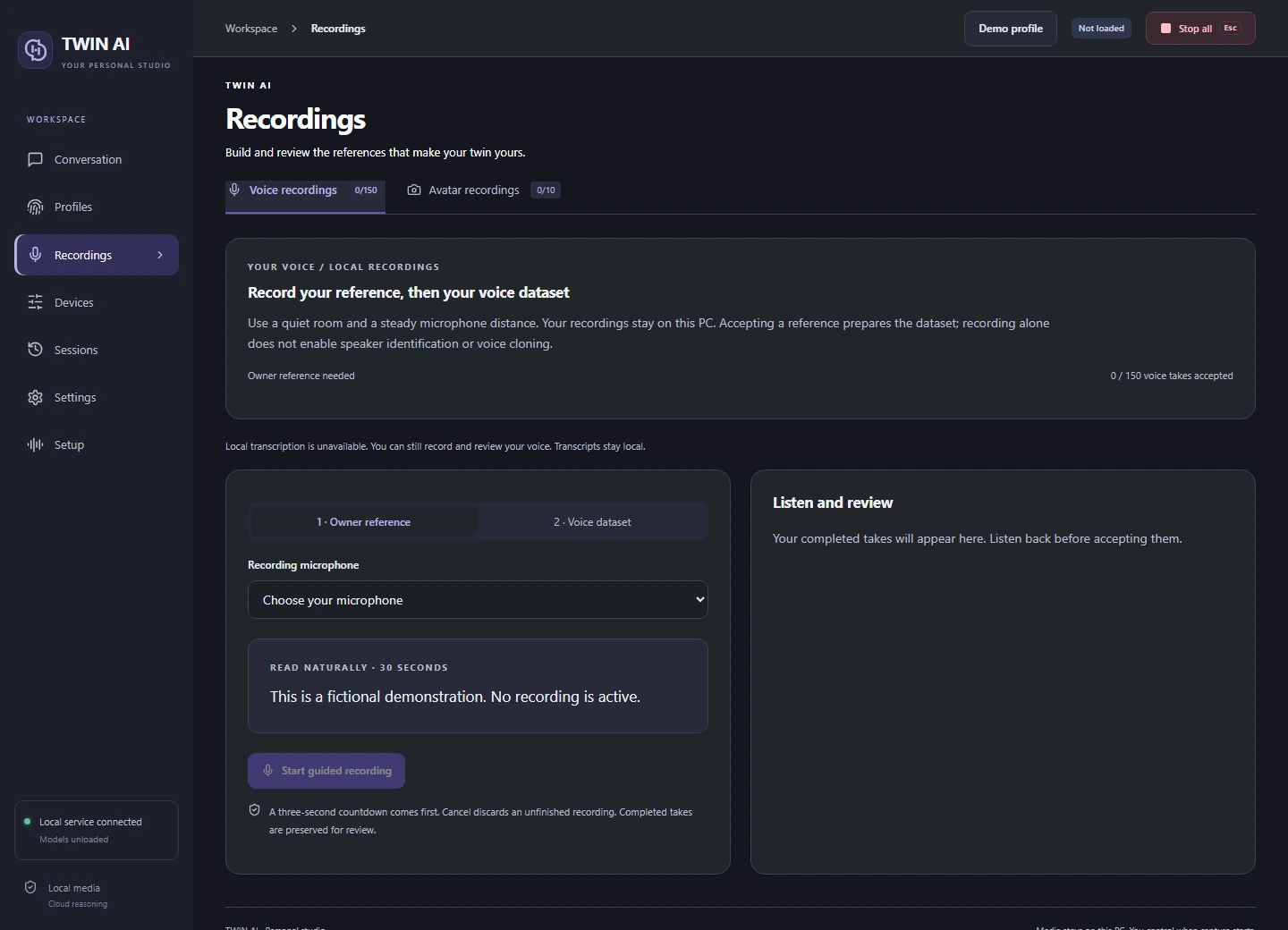
03 / 11 Voice recordings
Record a voice reference.
Open Recordings with the intended profile and voice collection selected. A quiet microphone recording gives the speech model a useful reference.
Record the owner reference
Select the microphone and recording language. Keep the mic in one position and read the displayed passage.
Listen before accepting
Play the take back. Retake clipped words or noisy endings. The English guided set has 50 prompts and allows up to three accepted takes per prompt.
Prepare and preview
Prepare the selected voice from accepted material. Preview a familiar sentence to check pronunciation and tone.
THE STUDIO
One studio. Three ways to reply.
Give your words a voice.
Record and review voice references, choose a supported speech language, and hear replies through your headset or virtual microphone.
VOICE STUDYDrag to rotate