
DESKTOP TOUR
Read a script
Follow a first session from setup and recording to a live reply, or jump straight to the workspace you need.
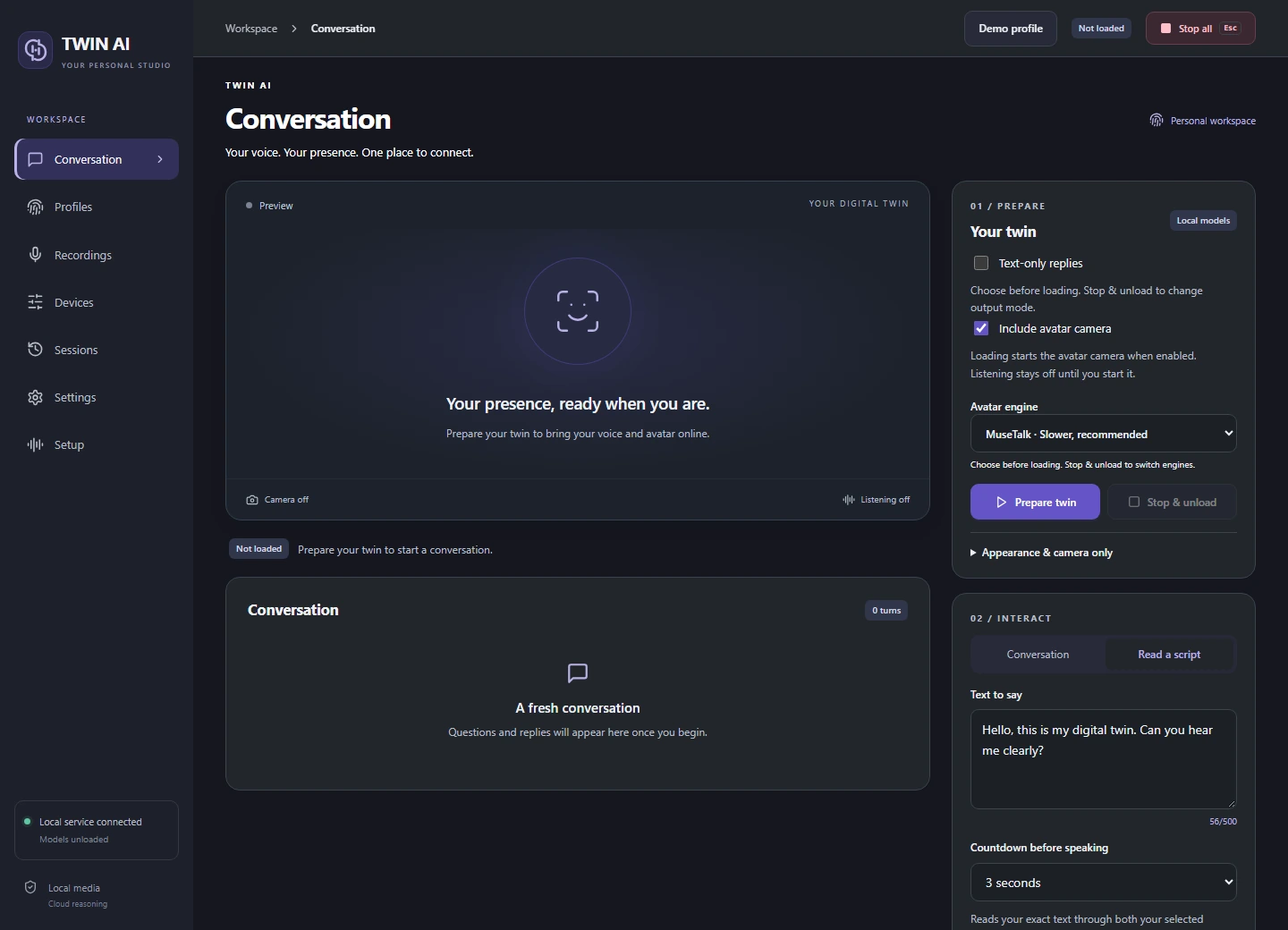
08 / 11 Read a script
Test an exact line.
Use a repeatable sentence to check timing, voice quality, or routing before a call.
Choose a media output
Prepare a voice or avatar session and open Read a script in Conversation.
Enter the line
Write the words you want spoken and choose the countdown. The studio prepares and checks delivery before counting down.
Check delivery
Listen in the headset and check the cable input meter in the receiving app. For avatar output, check the virtual camera at the same time.
THE STUDIO
One studio. Three ways to reply.
Give your words a voice.
Record and review voice references, choose a supported speech language, and hear replies through your headset or virtual microphone.
VOICE STUDYDrag to rotate