
DESKTOP TOUR
Sessions
Follow a first session from setup and recording to a live reply, or jump straight to the workspace you need.
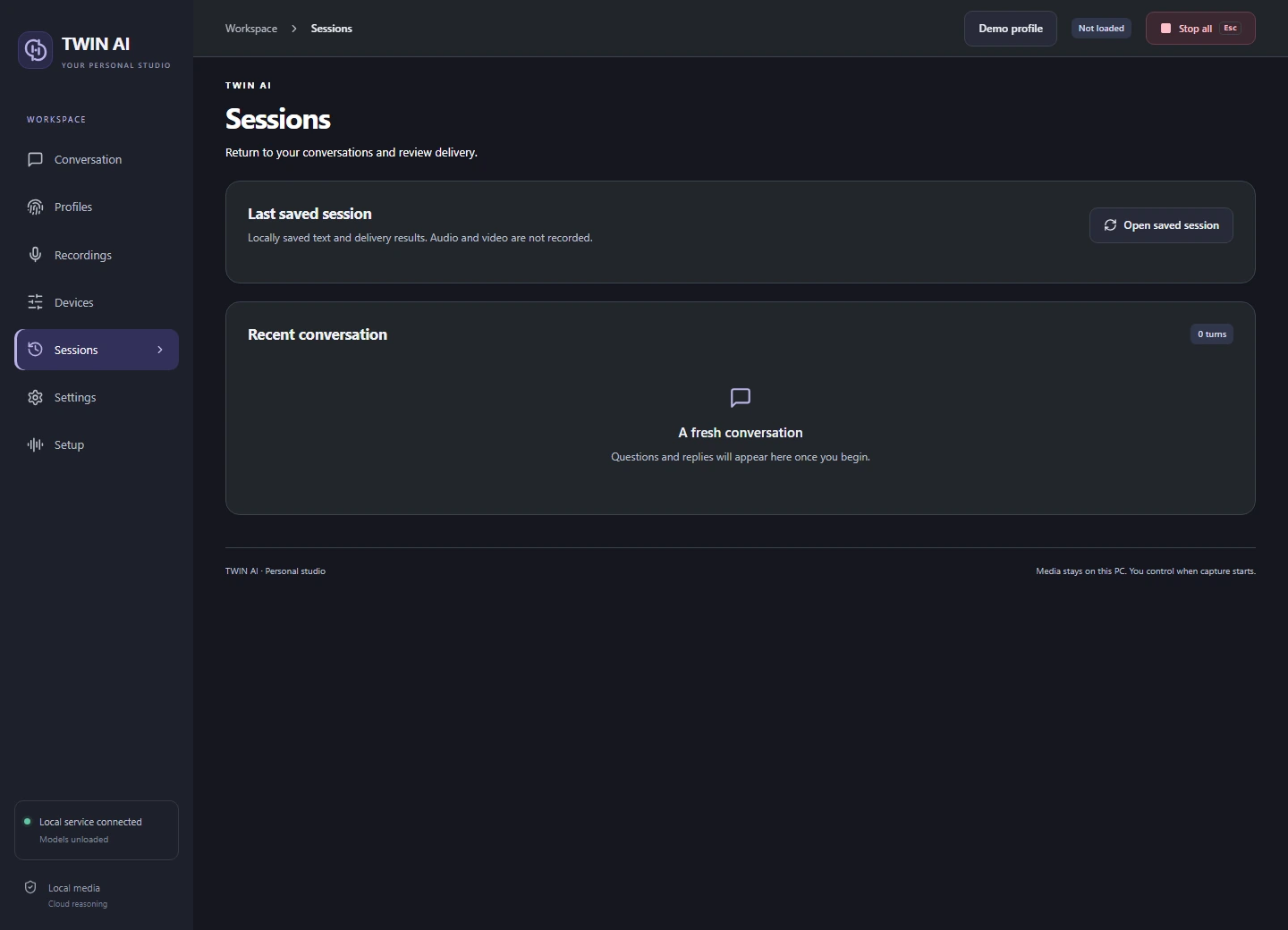
10 / 11 Sessions
Review what happened.
Check recent turns and open the last locally saved session when transcript saving is enabled.
Review a question
Read the recognized question beside its generated reply. Check text response timing or the separate speech and media timings where available.
Open the saved session
Use Open saved session to inspect the text and delivery results. The session log contains no audio or video recording.
Choose what to keep
Set the transcript preference in Settings before preparing the next session.
THE STUDIO
One studio. Three ways to reply.
Give your words a voice.
Record and review voice references, choose a supported speech language, and hear replies through your headset or virtual microphone.
VOICE STUDYDrag to rotate