Conversation
Follow a first session from setup and recording to a live reply, or jump straight to the workspace you need.
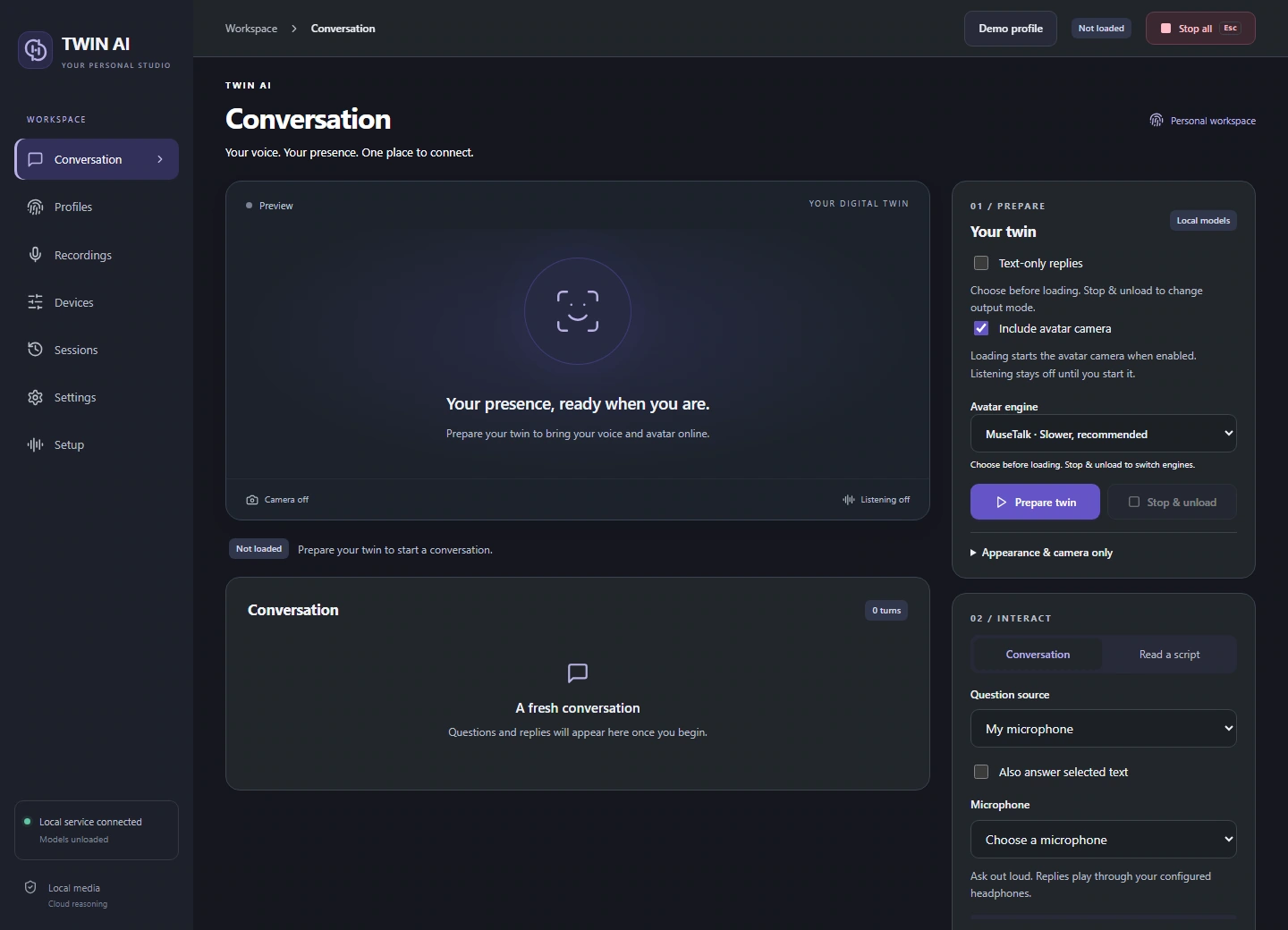
Start a live conversation.
Preparation loads the selected models. Listening starts when you explicitly start the input.
Choose the output
Pick text only, voice only, or voice with avatar. Select the avatar engine before Prepare twin. Stop and unload to change output mode.
Ask and listen
Type a question, speak into your microphone, or capture headset audio. In session settings, adjust the listening pause for longer questions and choose a delivery mood.
Switch sources during an interview
Pause listening, choose your microphone, headset or selected text, then resume. The twin keeps the loaded models and conversation history. A partial question is discarded and an answer already in progress can finish.
Control the session
Choose Until I stop or a timed limit. Check the current stage and turn timings. Stop & unload releases the active models and camera.
One studio. Three ways to reply.
Give your words a voice.
Record and review voice references, choose a supported speech language, and hear replies through your headset or virtual microphone.