
DESKTOP TOUR
Avatar recordings
Follow a first session from setup and recording to a live reply, or jump straight to the workspace you need.
04 / 11 Avatar recordings
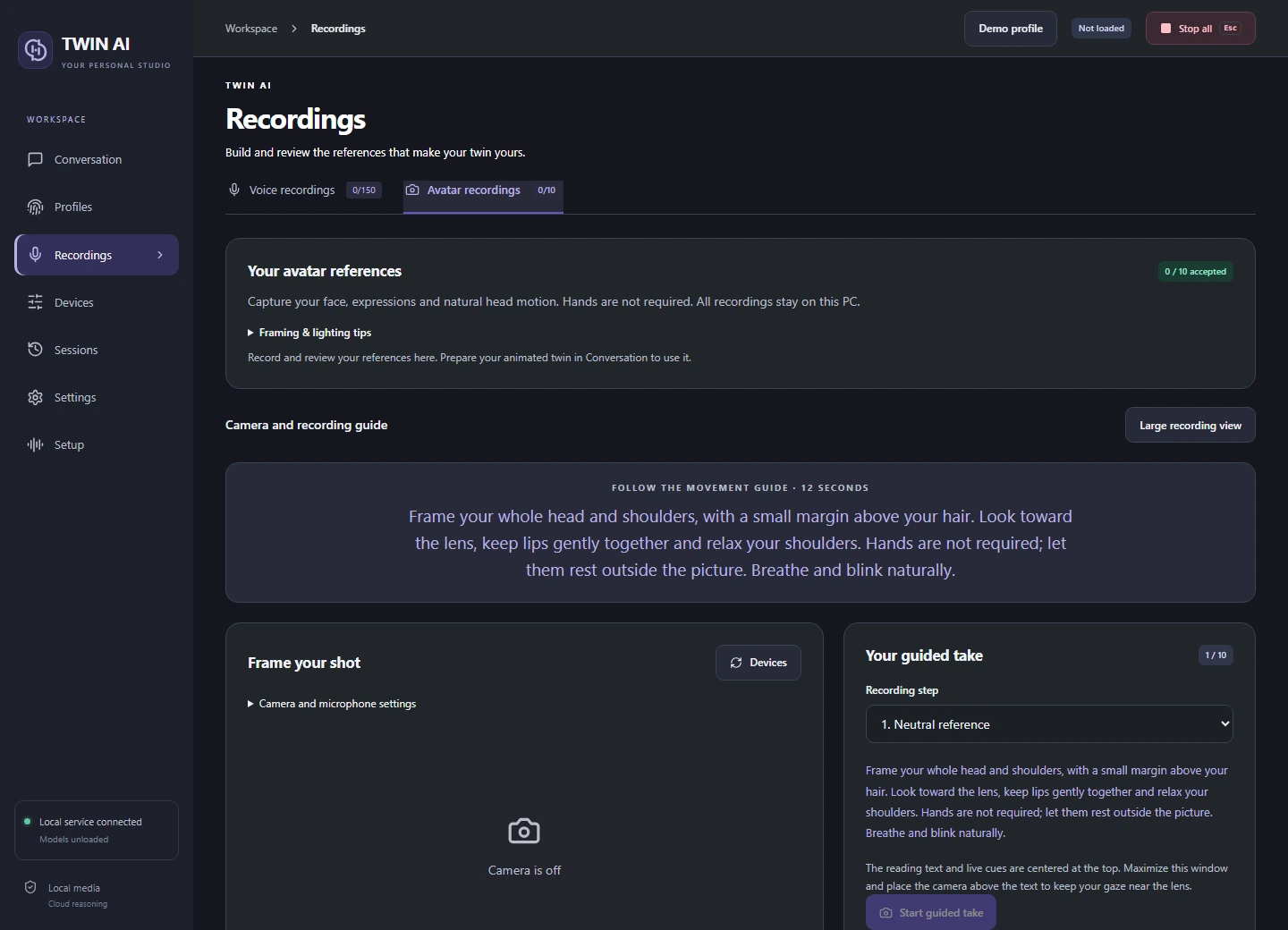
Capture a consistent face.
The avatar guide covers ten takes, from a neutral reference to speech, head movement, and facial expressions.
Frame the camera
Choose Avatar recordings and open Preview camera. Frame your head and shoulders, keep the lighting steady, and place the prompt close to the lens.
Follow the cue
Record the requested action. Start and finish in a neutral pose so the idle and speaking footage can join smoothly.
Review and prepare
Watch the complete take before accepting it. When the required references are ready, prepare the selected avatar collection.
THE STUDIO
One studio. Three ways to reply.
Give your words a voice.
Record and review voice references, choose a supported speech language, and hear replies through your headset or virtual microphone.
VOICE STUDYDrag to rotate